 jperezduerto.info
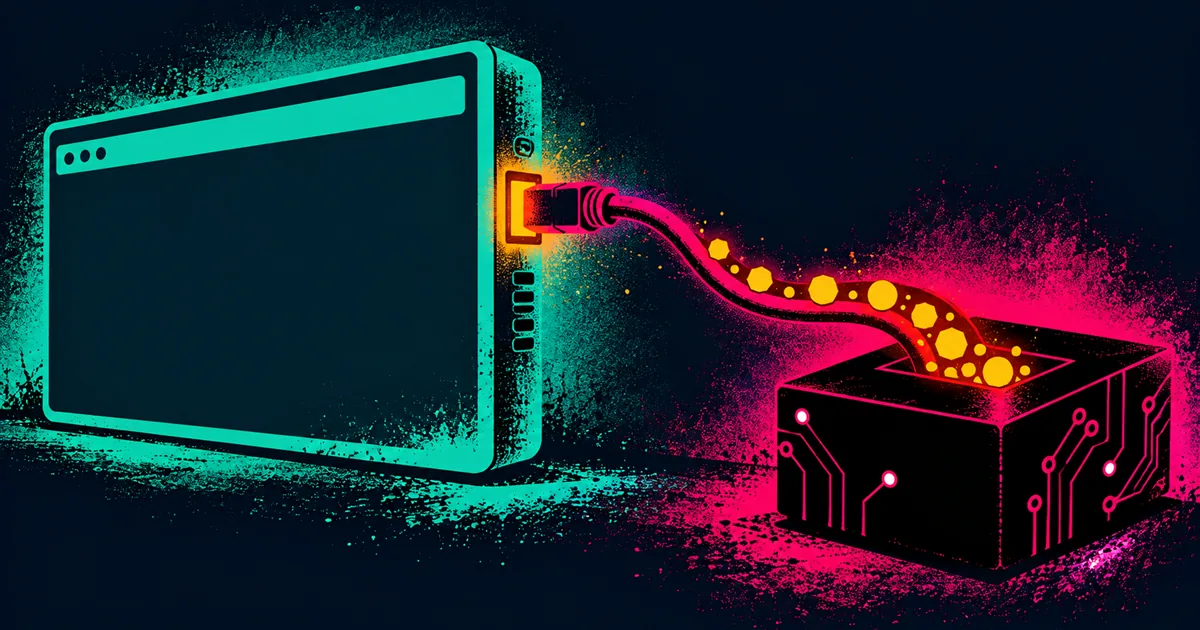
A Chrome remote-debugging port is somebody's logged-in browser
You have a foothold on a host and ss -tlnp shows a high, odd loopback port that nothing obvious owns, on a box that also has test automation lying around: Selenium, Playwright, Puppeteer, a chromedriver binary, a tests/functional directory, a cron running a suite. That port is frequently Chrome's DevTools remote-debugging interface, and the DevTools Protocol has no authentication. Its only control is that it is bound to loopback, which stops nobody who already has a shell.
The find
ss -tlnp | grep 127.0.0.1                                   # unexplained high loopback port
ps aux | grep -iE "chrome|chromedriver|selenium|puppeteer|playwright"   # --remote-debugging-port is the tell
--remote-debugging-port in a process command line confirms it outright.
Talk to it
Loopback-only just means you forward it first.
ssh -L 9222:localhost:<PORT> user@target     # from your attack box
curl -s http://localhost:9222/json/list      # enumerate open tabs/targets, no auth
/json/list alone confirms the finding and names the pages the browser has open, so you know what the automation is doing before touching anything else. From there, either point a real browser at chrome://inspect (add localhost:9222, Inspect, Application, Cookies) or drive the protocol over the websocket URL from /json/list and call Network.getAllCookies.
What you actually take
A test suite authenticates as a real application user, often more privileged than your foothold. Take that session cookie, forward the application's own port, and load the app as that user:
ssh -L 5555:localhost:5555 user@target       # the app the tests drive
# paste the stolen session cookie into your browser for localhost:5555
Two upgrades on the same access: a browser under test that has a password manager or vault open has the plaintext in the DOM, reachable with Runtime.evaluate, so this is a credential store, not just a session. And the same shape on a Node --inspect port (9229) is not cookies but arbitrary code execution in that process. If /json/list is empty, the browser is probably short-lived on a timer: check the cron interval and wait for the next cycle rather than calling the port dead.
Defense
Loopback binding is not an access control once any local account is in play. Treat every debug socket as sensitive:
- Do not run remote debugging where it can outlive the moment. No
--remote-debugging-portor Node--inspecton shared, multi-user, or production hosts. If a CI job needs it, bind it to an ephemeral port, scope it to the job's own network namespace, and tear it down with the job. - Do not run authenticated test automation on a host that untrusted users can get a shell on, and give the test account the least privilege the suite needs, never a real admin.
- Prefer a network namespace or container with no shared loopback for anything that must expose a debug interface, so another local user cannot reach it.
Detection
Narrow, high-signal events: a process launched with --remote-debugging-port or --inspect outside a known CI context; a connection to that loopback port from a PID that is not the test runner; and the SSH local-forward pattern (-L) landing on 9222/9229. On the application side, a session for an automation account being used from a new IP or user agent, or that account active outside its scheduled test window, is the theft showing up downstream.
Use
Authorized and educational use only: your own systems, a lab you control, or an engagement with written permission. Run the companion extractor only against a debug port you are authorized to access. The broader "loot lives in sessions and stores" theme continues in Windows credential access.